Sessions
The sessions view allows you to see the full history of Tanuki runs. You are able to find the final output as well as the ability to browse the output of each workflow step. This is useful when authoring new workflows.
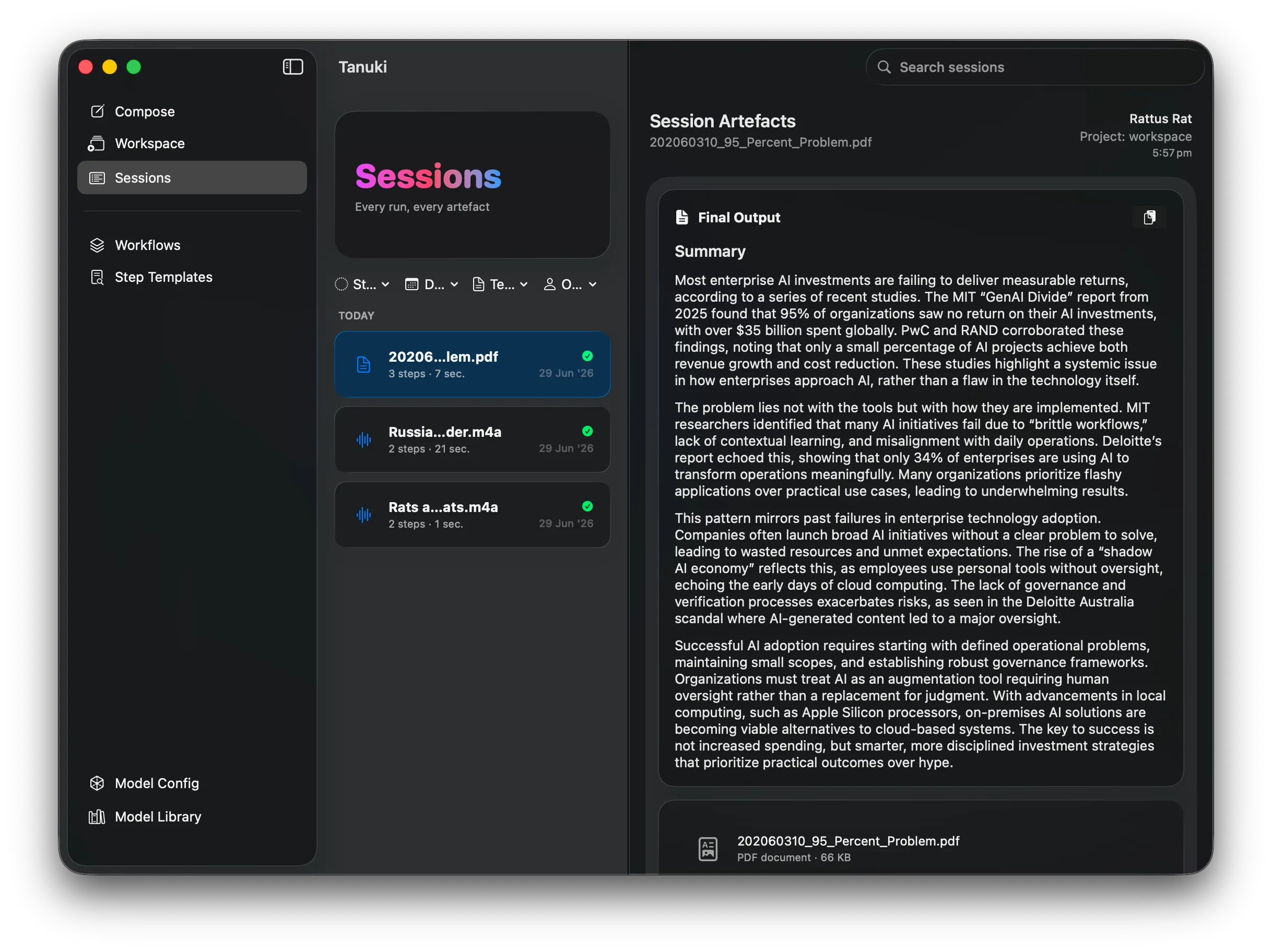
Filterable sessions list
Section titled “Filterable sessions list”You can filter on status, date, workflow or operator. Select an individual row to examine its output in the right panel.
Final output
Section titled “Final output”The topmost block of the detail pane is the output of the workflow, below it you will find details of the input and a table listing each step in the workflow.
From here you can examine the output of each step in the workflow.
What if my workflow session is not present in this list?
Section titled “What if my workflow session is not present in this list?”Workflows flagged as ephemeral don’t appear in this list; they persist no input, step, or output data. See Ephemeral workflows for why you’d use this.