Chat
In the compose view, and for the HTTP subscription in the API Docs Section, you can expand the right hand inspector to find a chat agent.
This agent acts in much the same way as cloud based alternatives. The differences come down to the model type and how we are able to operate on your local machine.
Models
Section titled “Models”The chat engine includes a router that will choose either the fast or deep slot, dependent on what you have asked it. As is the case with all other processing on Tanuki, if no deep model exists those calls will be handled by the always present fast model.
When you ask a question like ‘what are the warmer months in Spain’ you will get a very similar output to the cloud AI.
It should be noted that the same warnings, that models can make things up, do apply here. This is why Tanuki is largely designed for text transformation. We recommend keeping the temperature setting low, as that reduces crativity.
History
Section titled “History”This is where things differ greatly from cloud based AI services. Because text is cheap and your hard drive can store a lot of it, we keep the chat history locally within Tanuki.
What this means is you can ask questions like ‘last year we discussed holidays, what locations had we considered’.
In the case of Tanuki, Miles (the chatbot tanuki) will mine that full history and report back the times that the topic came up.
Removing history.
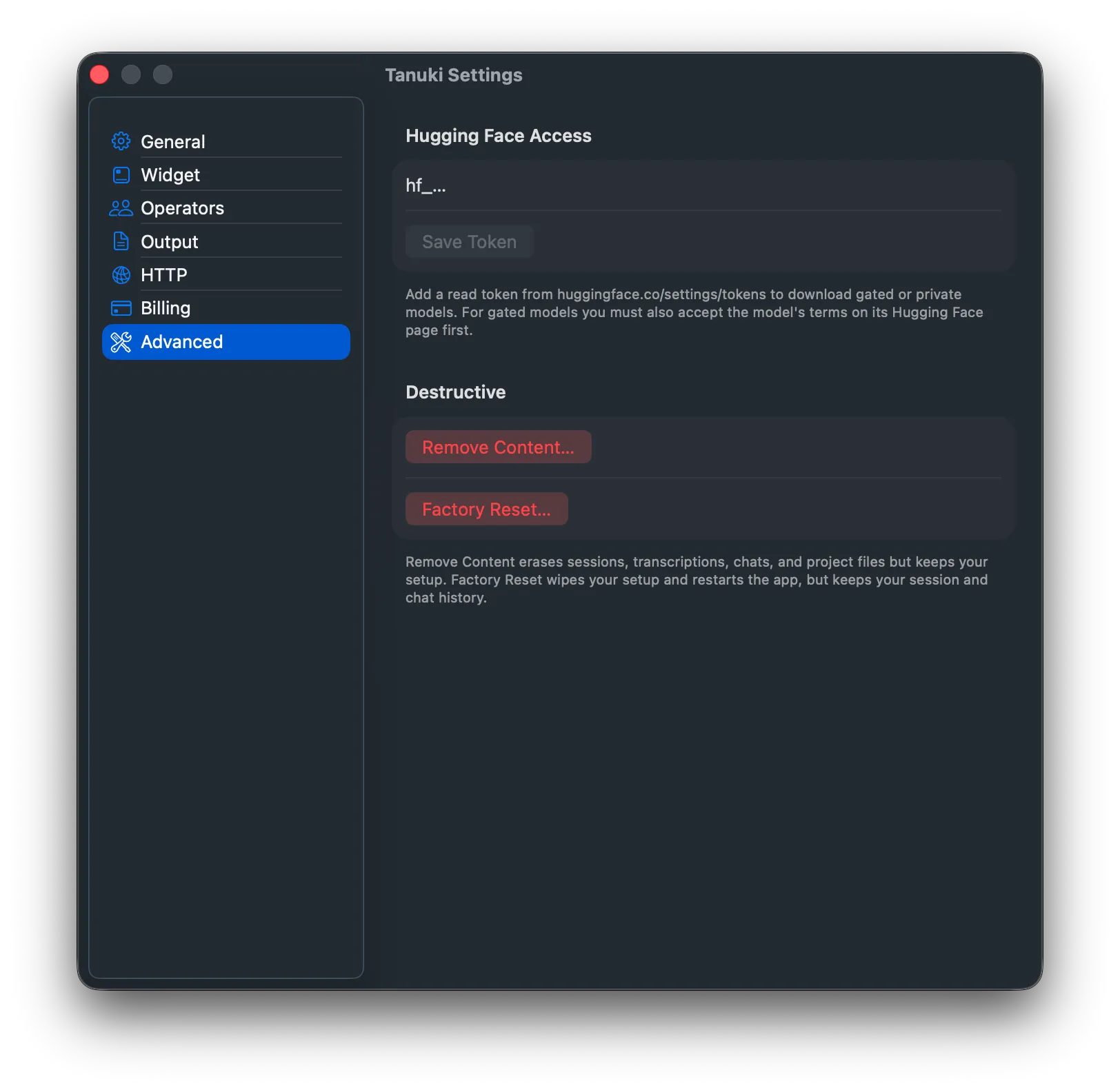
Section titled “Removing history.”History can be cleared using the ‘remove content’ option in the Advanced Tab in Tanuki Settings.